When you share your screen in a meeting, or a driver is reading over your shoulder, the prices on the locations list and the revenue on the dashboard are not everybody's business. Hide amounts masks them without touching the data.
Switch it on
-
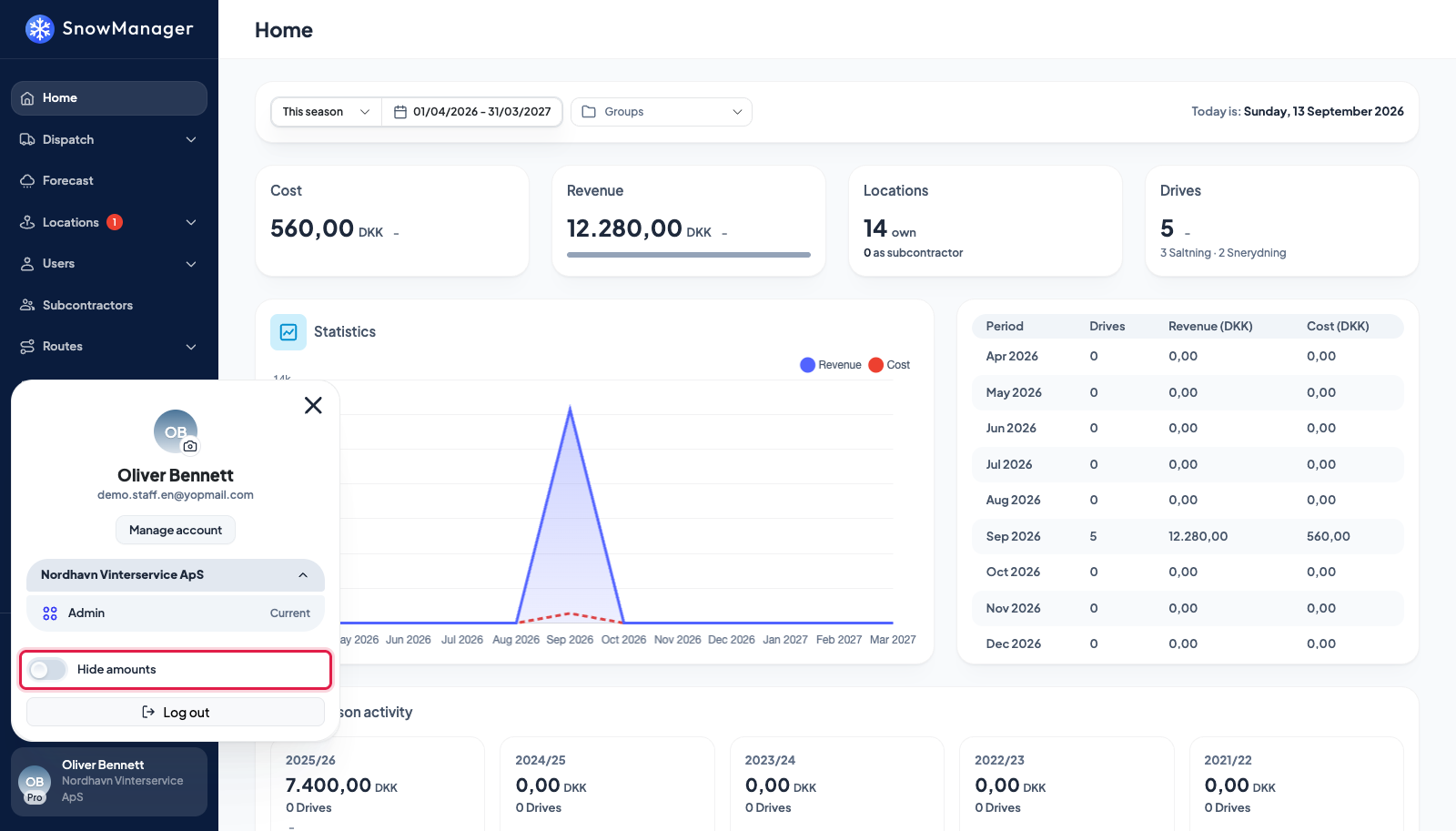
Click your name at the bottom of the sidebar. The profile popup opens.
-
Turn on Hide amounts. The page reloads, and every amount on screen is replaced by a mask: the prices column on Locations, the cost and revenue tiles and charts on the dashboard, and every other figure the app shows as money.
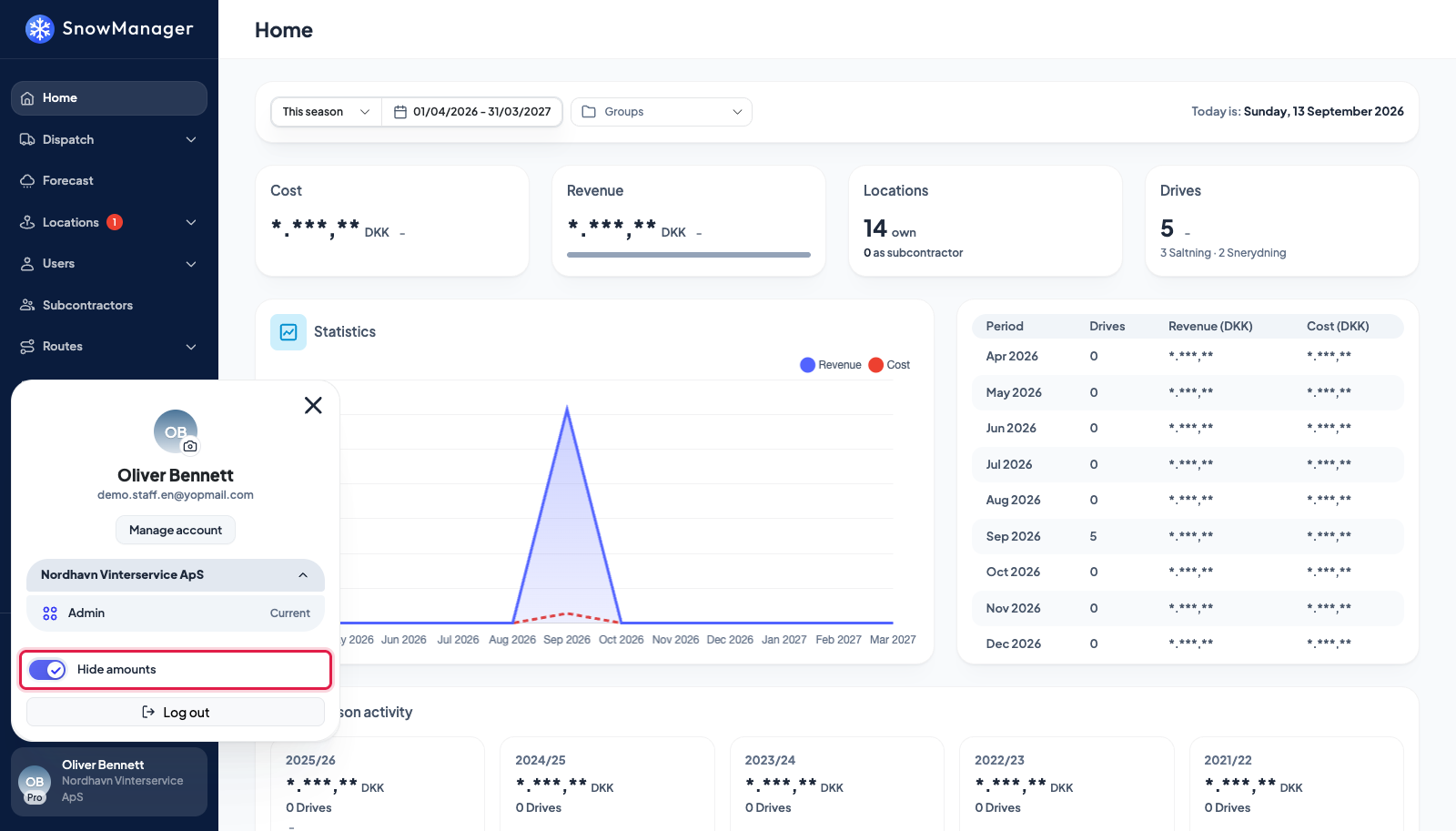
Turn the switch off the same way to bring the figures back. In the customer portal the same switch sits under Privacy on My Account.
What it does, and does not, hide
- It is a display mode for this browser. It is remembered on the device, not on your account: sign in on another computer, or in another browser, and the amounts are visible there until you switch it off there too. A colleague using your browser sees what you left it set to.
- It is not a permission. Anybody who can open a page with amounts can also turn the switch off. If somebody should never see prices, that is a question of their role, see Who can do what.
- Files and messages are not masked. An Excel export of locations, a CSV of invoices, an invoice PDF and every e-mail the system sends are produced on the server, which does not know about the switch, so they carry the real amounts. Check before you forward one.
- Quantities are not money and stay visible: hours, areas in m², distances and drive counts all show as usual. Only values that are money are masked.
If amounts are still visible somewhere
The switch reloads the page it was pressed on. A second tab that was already open keeps showing the old figures until it is reloaded.