SnowManager runs in English, Danish, Swedish, Dutch or Norwegian. The language is a setting on each person's account, not on the business: two colleagues in the same company can work in two languages. Server messages and e-mails follow the same setting, so the reset link or the invitation a person receives is in their language, not in the sender's.
Change your own language
- Click your name at the bottom of the sidebar.
- Under Language, open the dropdown and pick English, Dansk, Svenska, Nederlands or Norsk. The dropdown shows the one you use now.
- The page reloads and everything, menus, buttons and messages, comes back in the new language. Nothing else on your account changes.
This works for everyone signed in, including a SaberTask administrator viewing your company from the platform console.
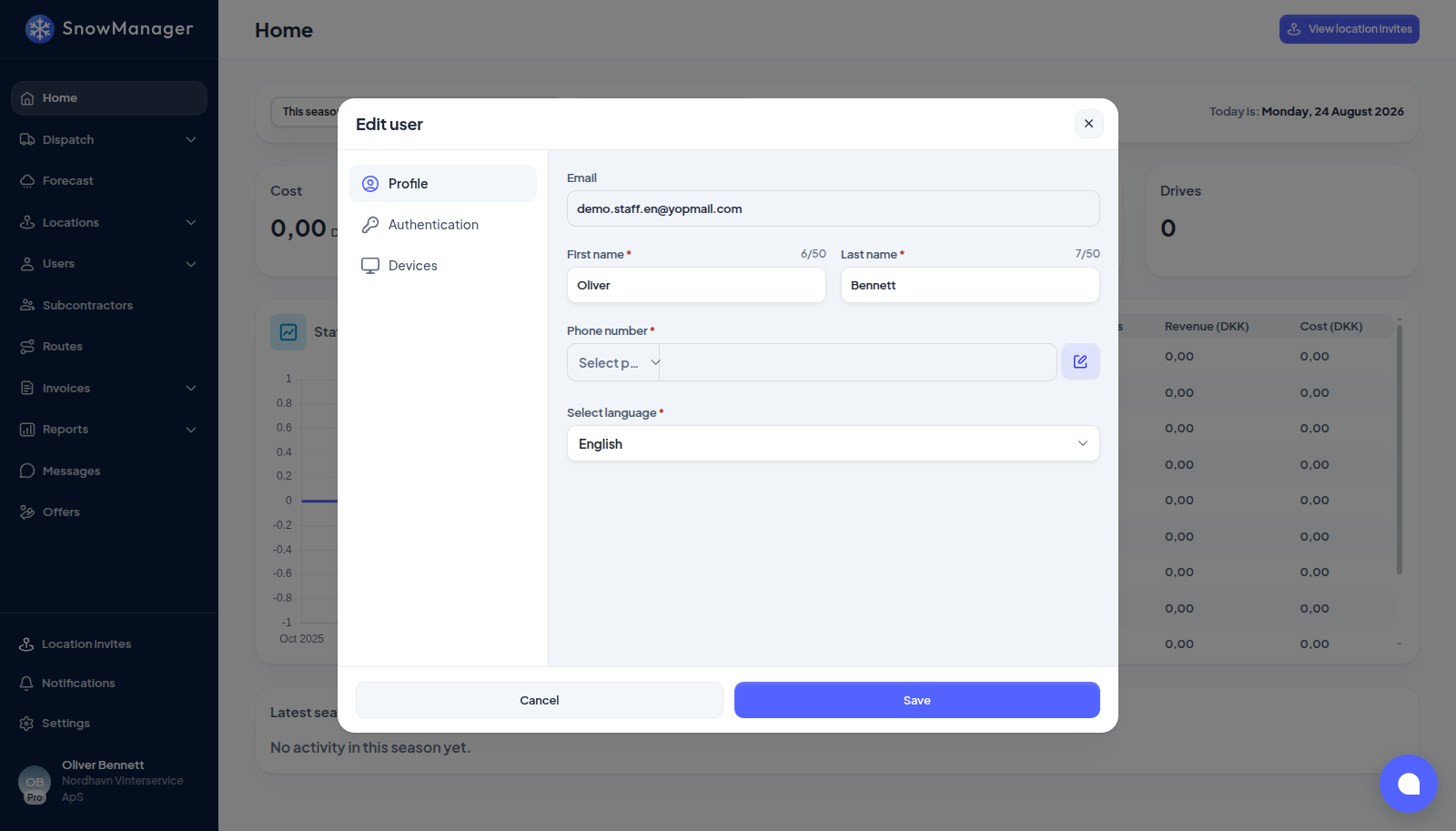
You can also pick the language under Manage account: the popup is headed Edit user, and Select language is on its Profile tab. That form saves your whole profile, so it asks for every required field, a phone number among them; the menu under your name changes only the language.
That is all there is to it. The setting follows your account, so every browser you sign in from uses it too. Calendars follow it as well: the day and month names in every date picker, and the month tag on an invoice, are written in your language, and every week starts on Monday whichever language you read.
Change a colleague's language
An administrator can set the language for anybody in the business: open Users, click the person, press Edit and pick their Select language. The new language applies the next time that person signs in. When you invite somebody, the invitation form asks for their language as well, and the invitation e-mail is written in it. See Invite staff and drivers.
There is no business-wide language
Language is never set on the business. Settings → Business used to show an "Interface language" and a "Standard language for new users"; both are gone, because the first only mirrored your own account setting and the second was never applied. The language a person sees is the one on their account, and the invitation form asks for each new colleague's language when you invite them.
If the language did not change
- The change takes effect with the reload that follows it. Under Manage account, nothing is changed until you press Save, and a missing required field stops the save; use the menu under your name instead.
- A browser that is still showing the old language after a save usually has the old page open in another tab; reload it.