A shift is your working time, from clock-in to clock-out, and is separate from dispatches: you can drive three dispatches on one shift, or sit on a shift with none. The office reads the shifts under Users and shifts on the web and approves them there; see shifts.
Start
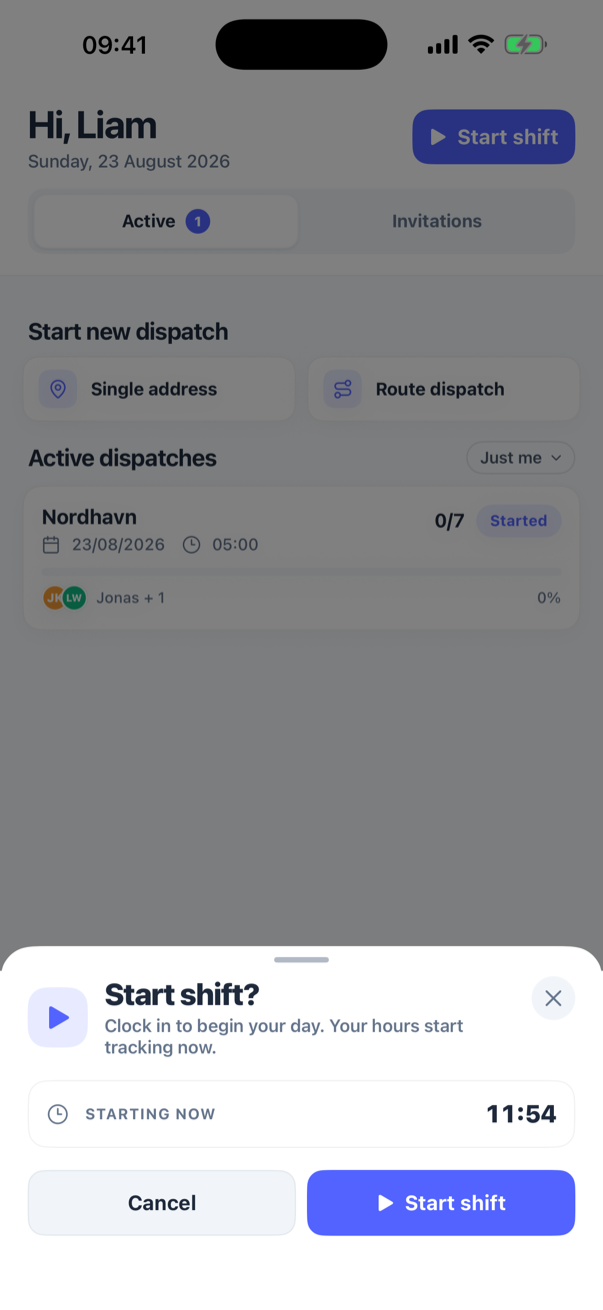
- Open Home. In the top corner, under your name, press Start shift.
- The sheet Start shift? explains: Clock in to begin your day. Your hours start tracking now. It shows Starting now with the clock time. Press Start shift.
The header now reads Shift active with the running time, and the button has become End shift. The time counts in hours and minutes and updates once a minute.
End
Press End shift. The sheet End shift? says Wrap up your shift. Hours and any open routes will be saved., shows Ending now and Total today. Press End shift.
If the request fails (no signal), the sheet stays open with Couldn't update your shift. Please try again.; press again when you have coverage. The times are the ones you pressed at, not the time the server received them.
One shift at a time
You cannot start a second shift while one runs; the button only offers End shift. A shift is tied to your account, not the phone: if you started it on one phone and open the app on another, the second phone shows it running too and can end it. Should Start shift be pressed while a shift is already running on your account (on another phone, or after the app lost track of it), no new shift is opened: the app gets the running one back, and the clock counts from when that shift really started.
A shift lasts 24 hours at most
A shift you forget to end does not run on for days. Once it is more than 24 hours old it no longer counts as running: the app shows Start shift again, and the old shift is ended at exactly 24 hours after it began, with 24 hours on it, the next time you start or end a shift. If that happens, tell the office, so they can correct the end time on the web.
Start and end times are kept in whole seconds.
Signing out of the app does not end the shift; it keeps running on your account until you end it from the app again, or the office does on the web.
Your hours
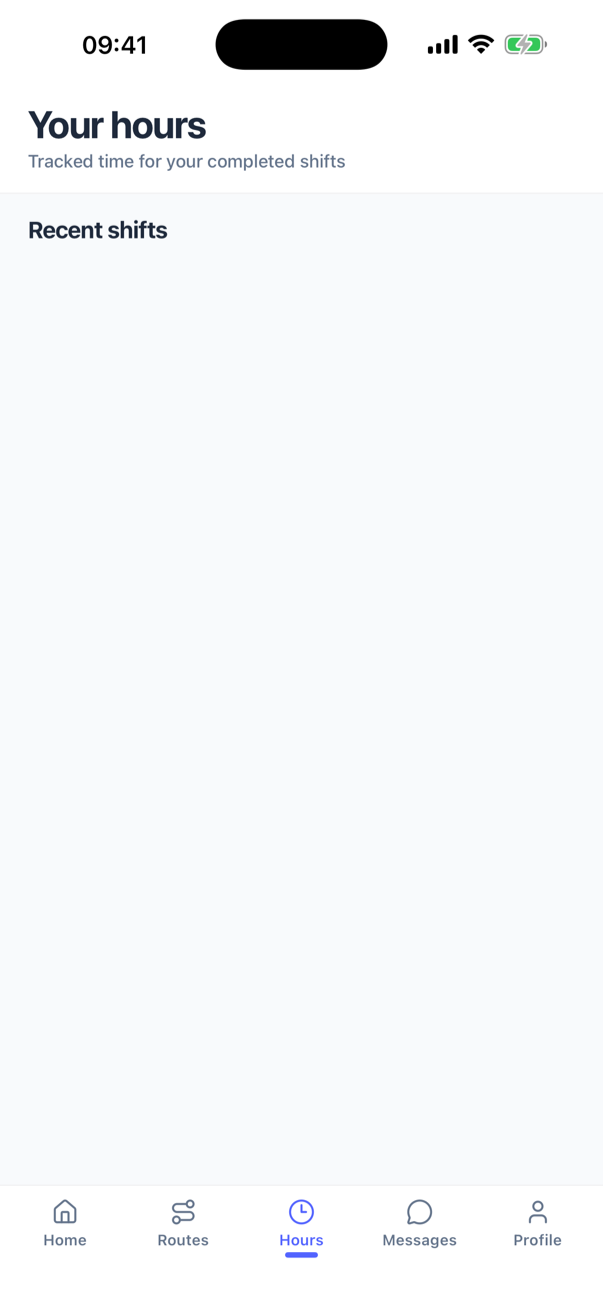
The Hours tab lists your finished shifts, newest first: the day (Today, Yesterday or the date), the start and end time and the length, for example 4h 12m. A shift that is still running is not in the list until it is ended. Pull down to refresh; older shifts load as you scroll.
The list does not show whether the office has approved a shift; that happens on the web, where the office can also correct a start or end time you got wrong. Ask them rather than trying to redo the shift from the phone.